 Imgsave
Save any image as PNG, JPG or WebP.
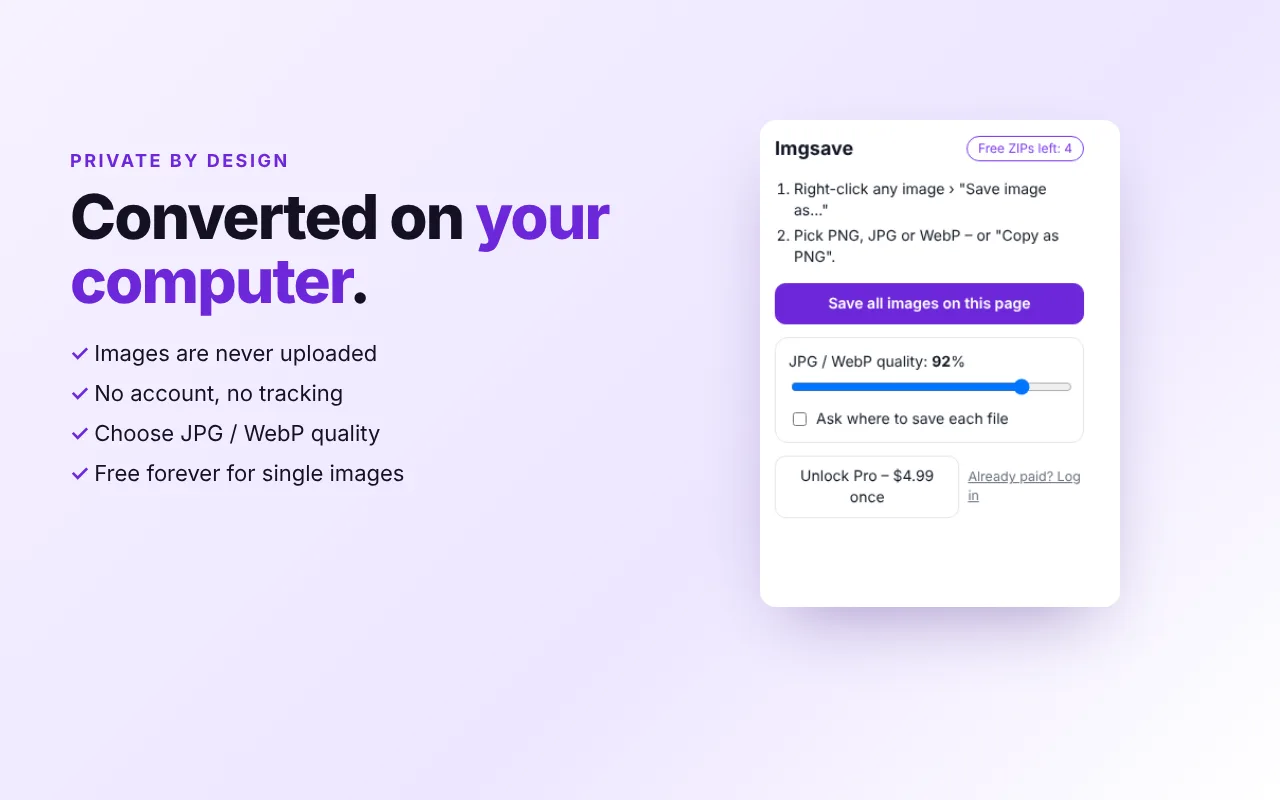
Right-click a picture, choose the format, done. No more .webp files that won't open – and you can copy any image as PNG to paste it anywhere.
Free forever · Pro $4.99 once, no subscription · Nothing is uploaded
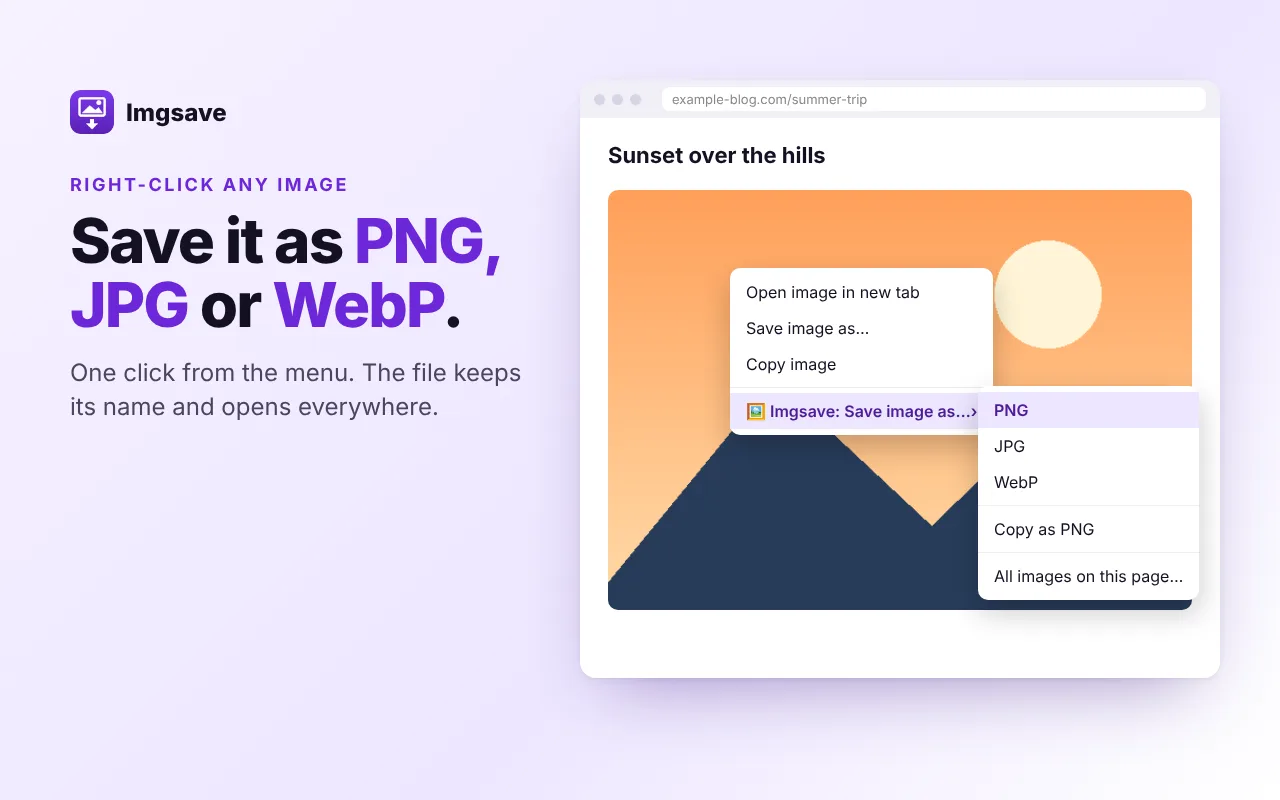
The “Save image as” Chrome should have had.
PNG, JPG or WebP
Right-click › Save image as… and pick the format. The file keeps its original name.
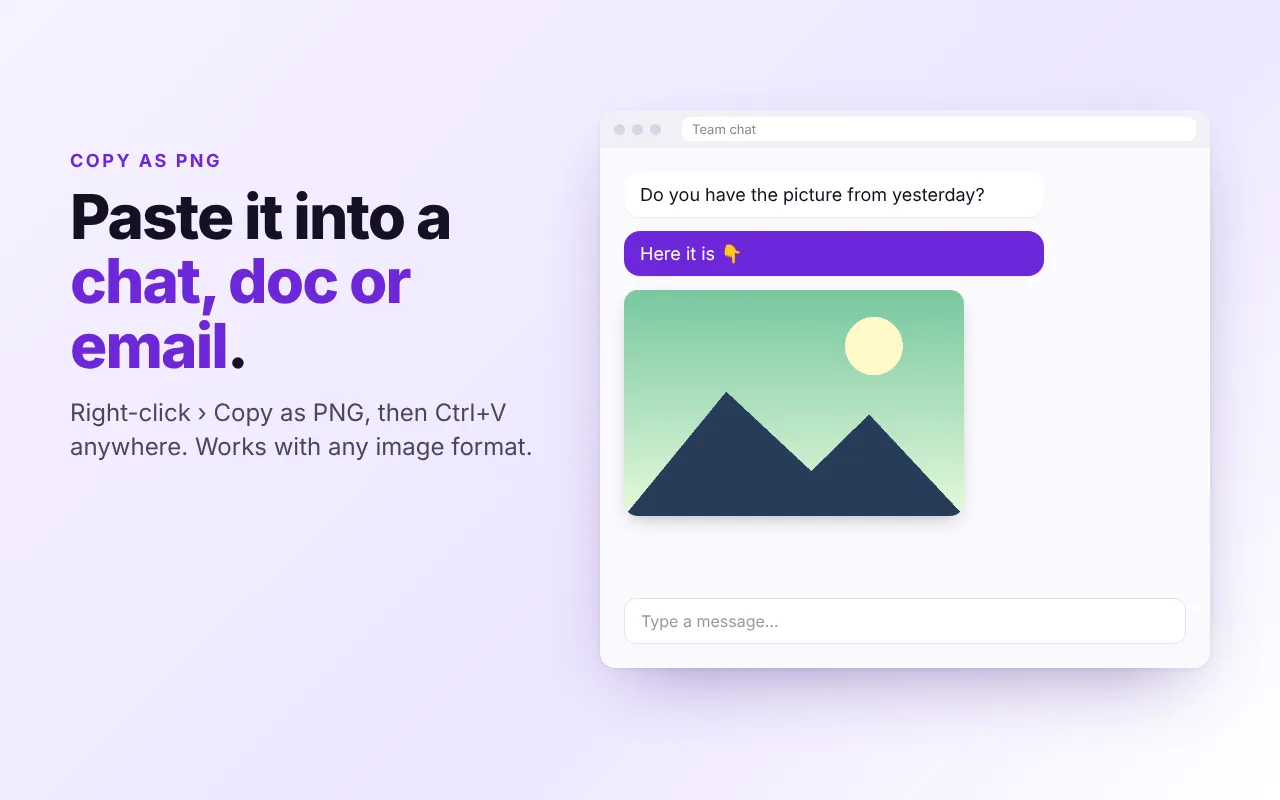
Copy as PNG
Put any image on the clipboard and paste it into a document, an email or a chat.
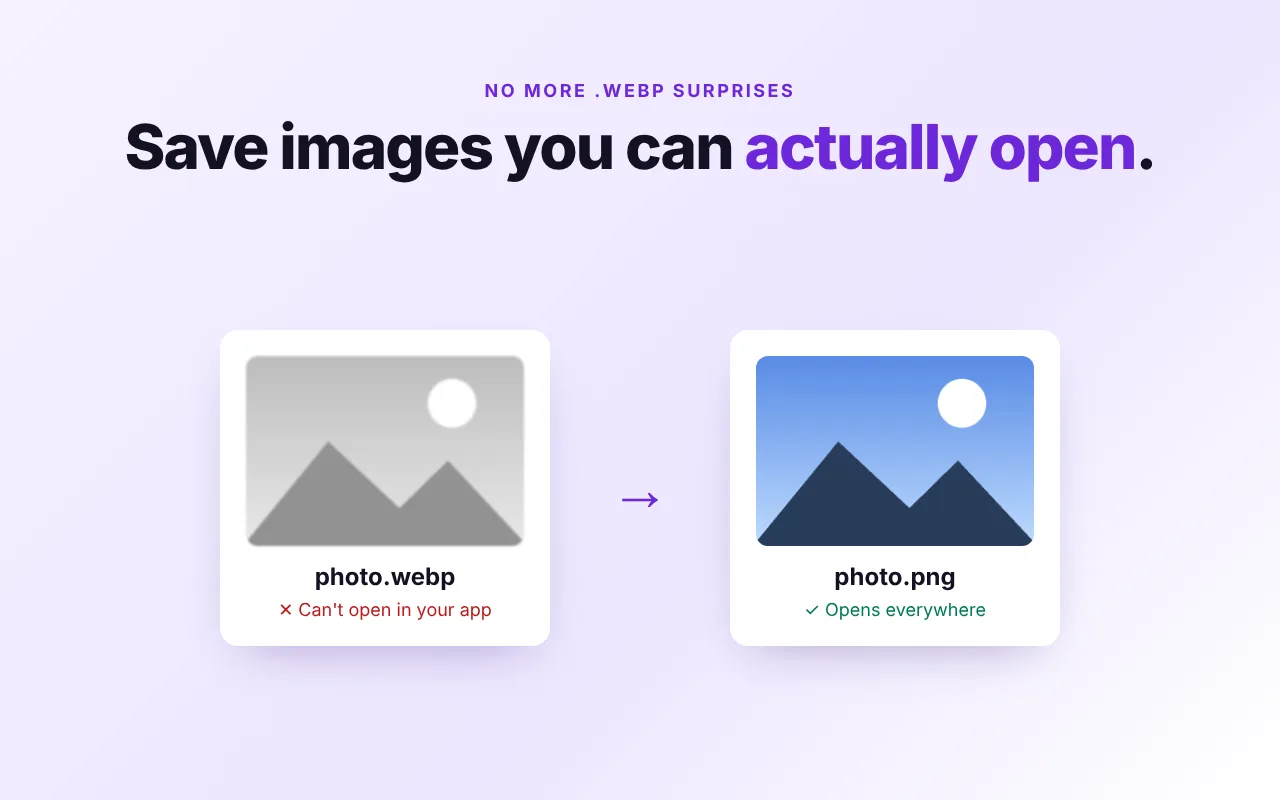
No more .webp surprises
Turn the WebP files websites serve into PNG or JPG that open in every app.
SVG and transparency
Logos in SVG become PNG or JPG. Transparent PNGs stay transparent.
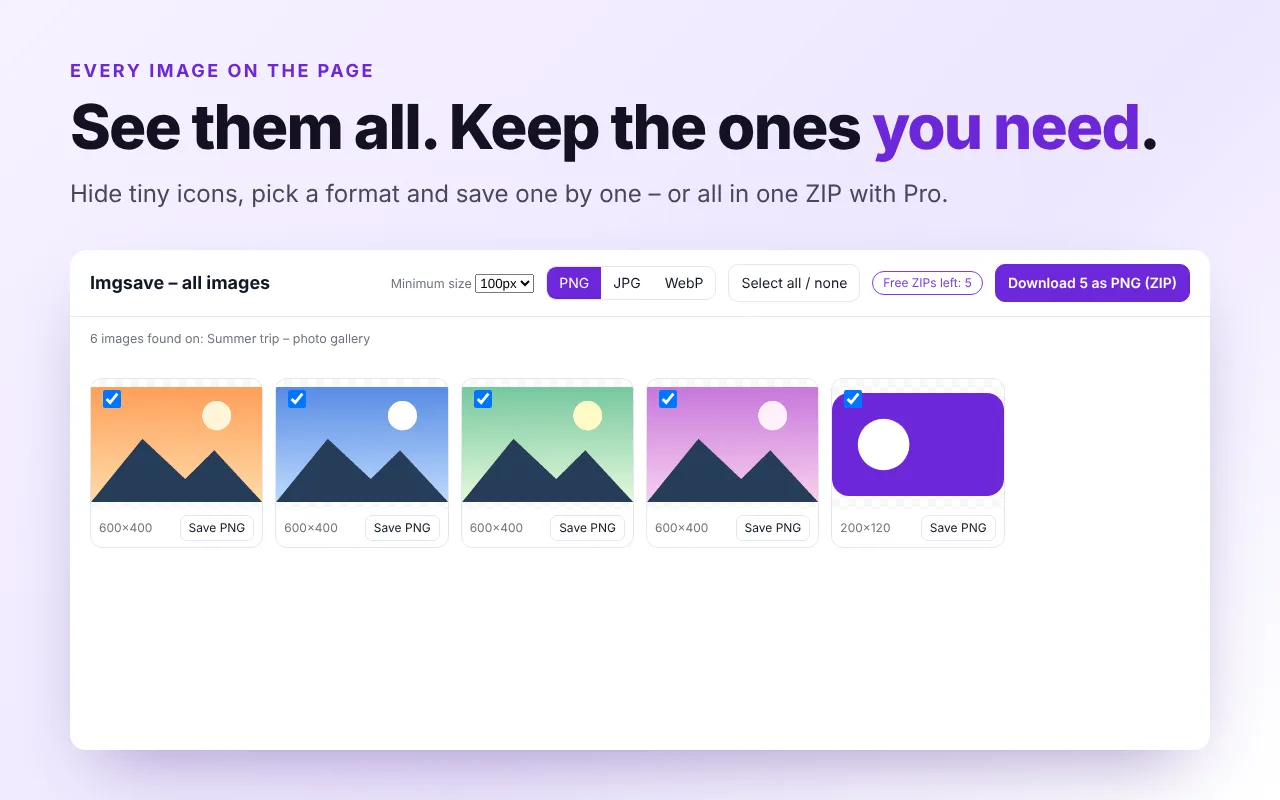
All images on a page
See every picture with its size, hide the small ones and save the ones you want.
One ZIP Pro
Download every image of a page in a single ZIP. 5 free ZIPs to try it.
Right-click. Pick. Saved.
On any website: photos, product pictures, logos, illustrations.
The converted file lands in your Downloads folder with its original name.
Paste it straight into Docs, Word, Slack, WhatsApp Web or an email.
Free for every single image
Pay once only if you want whole pages in a ZIP.
Forever
- Save as PNG, JPG or WebP
- Copy as PNG
- SVG and transparent images
- JPG/WebP quality setting
- See all images on a page
No subscription · 5 free ZIPs to try
- Everything in Free
- All images of a page in one ZIP
- Pick the format for the whole ZIP
- Filter out small icons
Payments are handled securely by ExtensionPay and Stripe.
See it in action
Questions
Why do images download as .webp?
Many websites serve images in the WebP format because it is smaller. Chrome saves the file exactly as it arrives, so you get a .webp that some apps and older programs can't open. Imgsave converts it to PNG or JPG while saving.
Is Imgsave free?
Yes. Saving and copying single images as PNG, JPG or WebP is free forever. Imgsave Pro is a one-time $4.99 payment that unlocks downloading all the images of a page in one ZIP, and every new user gets 5 free ZIPs to try it.
Are my images uploaded anywhere?
No. The conversion happens on your own computer, inside Chrome. Imgsave has no server, no analytics and no tracking.
Does it work with SVG and transparent images?
Yes. SVG logos are drawn and saved as PNG or JPG. Transparency is kept in PNG and WebP; JPG doesn't support transparency, so it gets a clean white background.
Why does Imgsave ask for permission the first time?
To read images that are hosted on other websites, Chrome needs your OK once. Imgsave asks only when you use it, and you can remove the permission any time from Chrome's extension settings.
Please save only images you are allowed to use. Privacy policy · Need every file of a page, not just images? Try PagePack.